Testing the Squarespace iPhone App
The iPhone 17 Pro Max just makes good photos at any given moment.
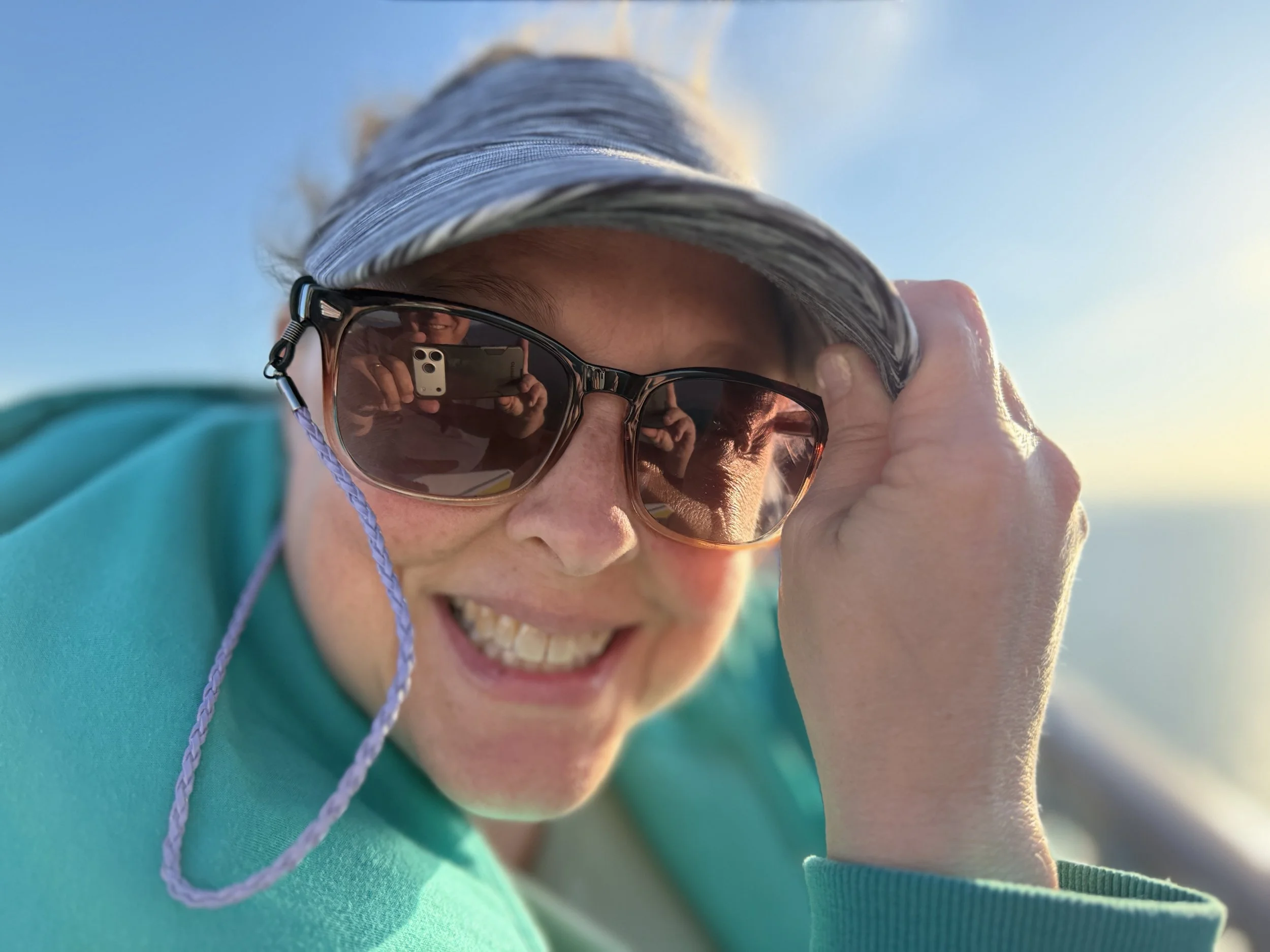
You can see me holding the iPhone 17 Pro Max in the reflection of my wife’s glasses. We were setting sail out of Tampa on cruise to the western Caribbean. We were on the top deck of the boat leaving the port when I got this wonderful photo of Sheri. I was shooting photos and video all over the place, and got this one.
I took this with the Apple Camera app on full auto. I do have the file setting on Raw and the size at 48 megapixels. It just does an amazing job. There times when I have to tweak and/or go manual. I will go over those settings as I get more posts done about this amazing camera in my phone. Imagine that, it’s in my phone in my pocket all the time going with me everywhere I go.
So I started creating this post on my iPhone 17 Pro Max with the Squarespace App to see how it goes. It doesn’t give me much to work with compared to creating a post on my laptop through the site. I was able to make a title, add a photo, and type text in the body. I could also set the heading and paragraph sizes as well. But once saved I couldn’t go back and edit any text. I had to go back to my laptop and write most of this.
As I get acquainted more with Squarespace I will share more. I’m sure there is a ton of stuff yet to learn.